When you have made accessibility fixes, you may need to rescan a course in order to refresh the results. The rescan tool currently only works on the eCollege Moodle.
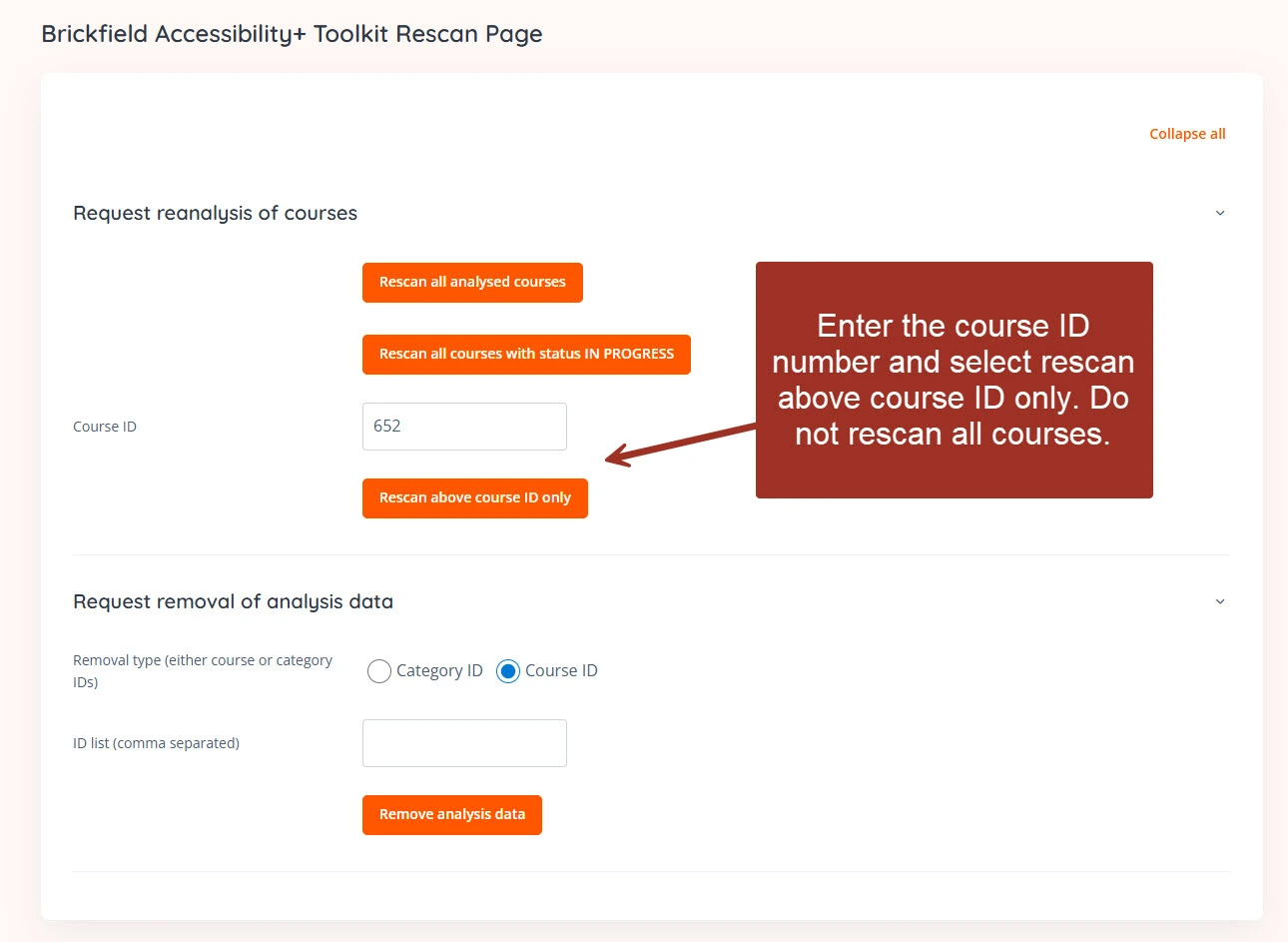
On the course dashboard, expand the right hand menu and choose Brickfield Accessibility+ Toolkit Rescan Page. Enter the course ID (you can get this from a course URL) and select ‘Rescan Above Course ID Only’. Please do not use the enter key as this may rescan all courses.
Was this article helpful?
That’s Great!
Thank you for your feedback
Sorry! We couldn't be helpful
Thank you for your feedback
Feedback sent
We appreciate your effort and will try to fix the article