Recurring Zoom meetings allow you to schedule repeat sessions without creating separate events for each one. This saves time and ensures consistency for courses or regular meetings.
Why use recurring meetings?
- They keep your schedule organised.
- They ensure the same meeting link is used for all sessions.
- Ideal for classes or meetings that happen on the same day and time each week.
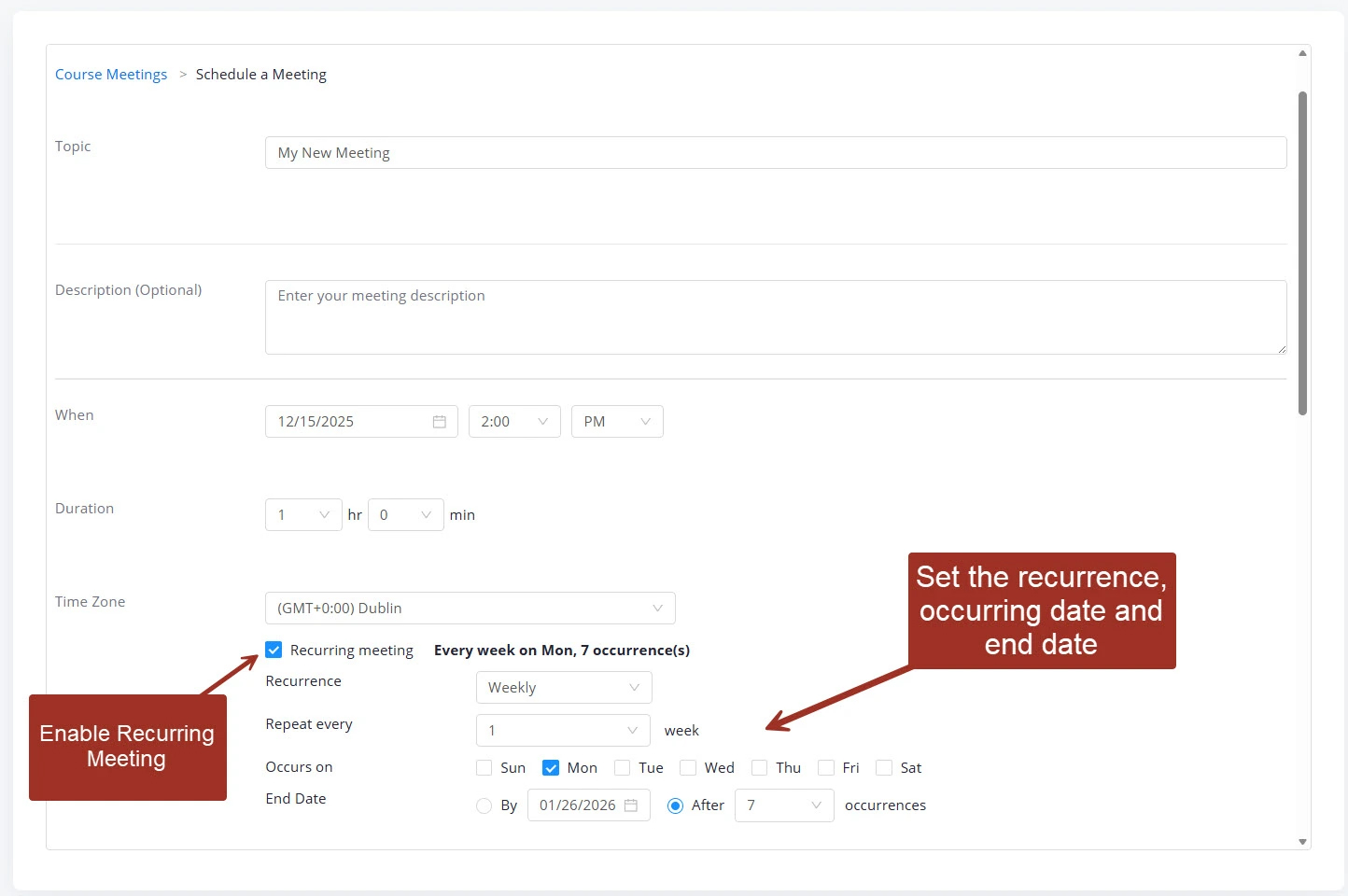
Simply create a new meeting and enable the recurring option and go through each option carefully.
Was this article helpful?
That’s Great!
Thank you for your feedback
Sorry! We couldn't be helpful
Thank you for your feedback
Feedback sent
We appreciate your effort and will try to fix the article